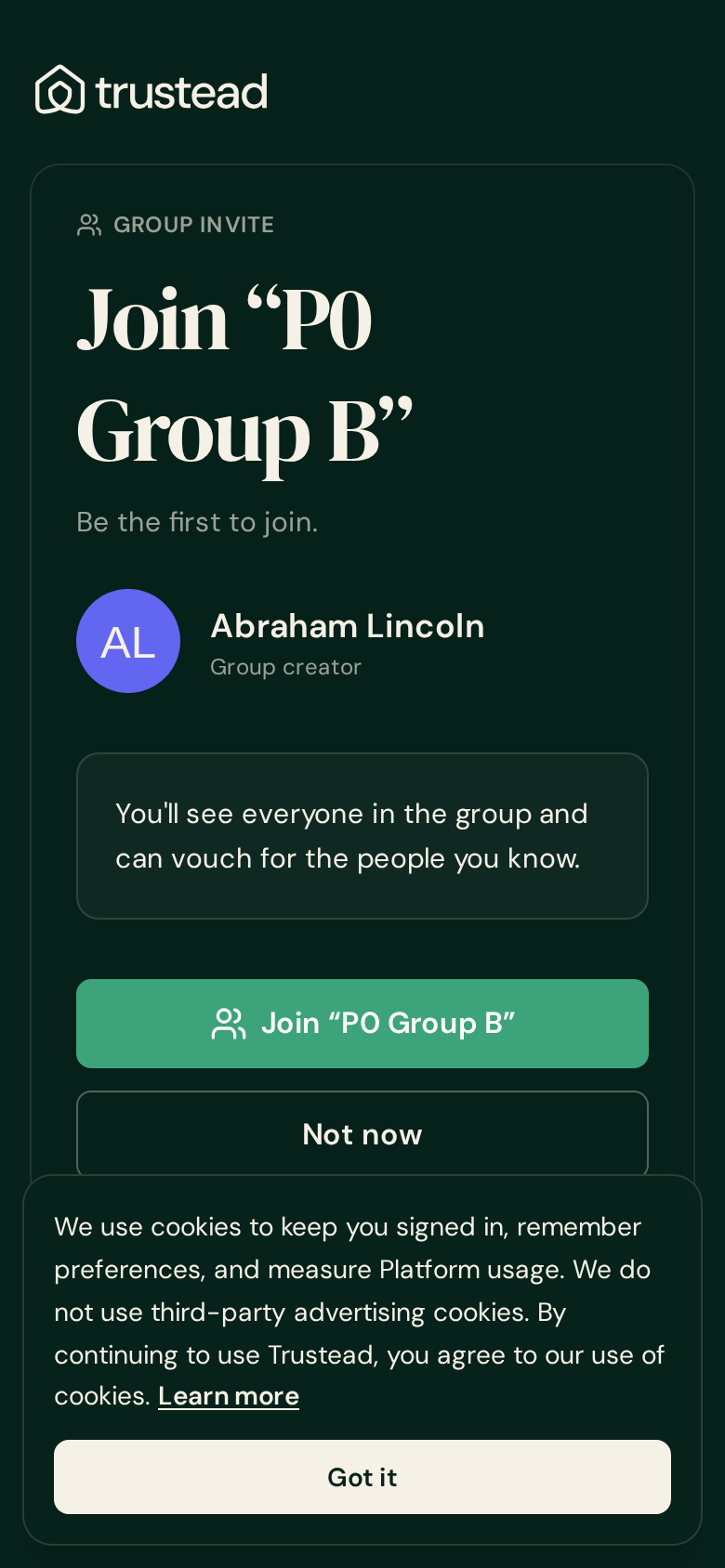
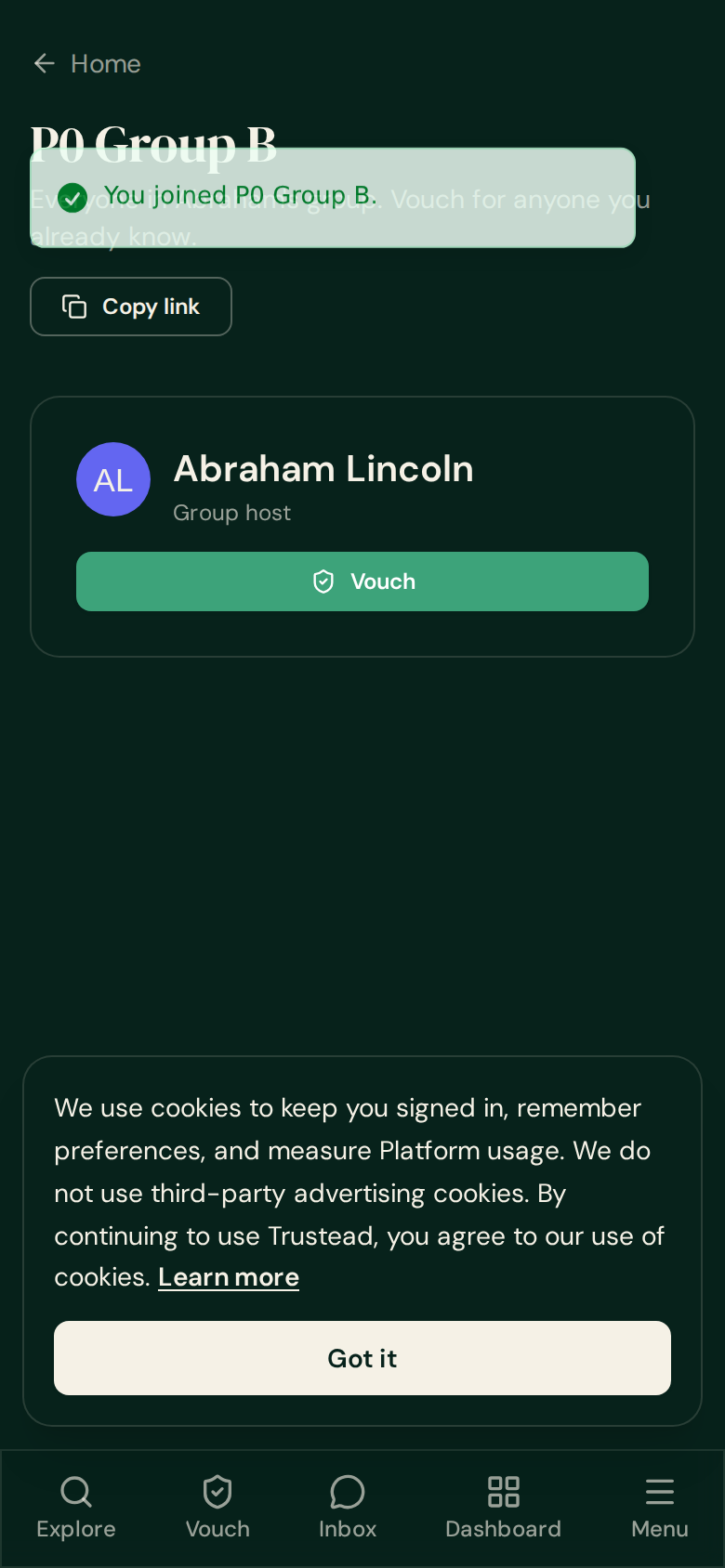
The new-member screens are back
Everything below is the live staging site (next.trustead.app), signed in as a seeded test account with a completely empty network — exactly what a brand-new invitee will see. Captured at phone width (390) and desktop (1280).
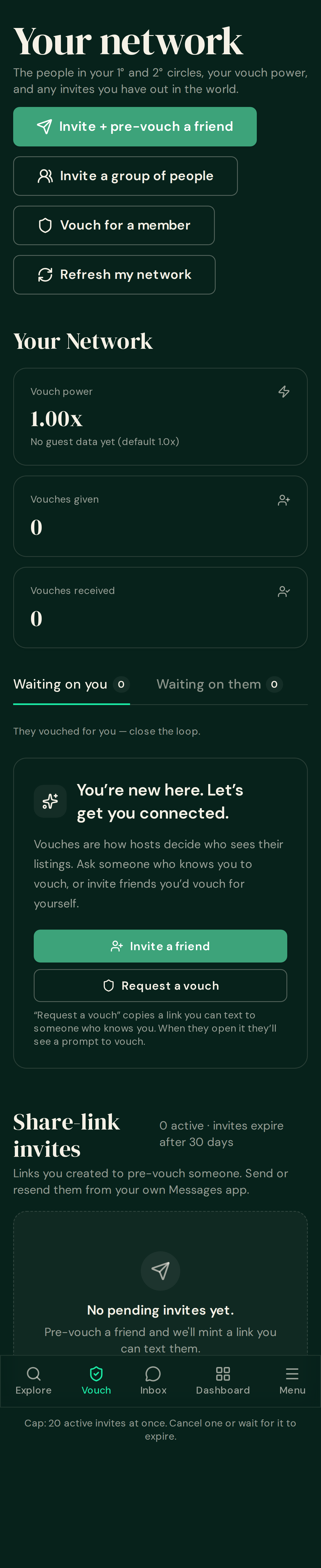
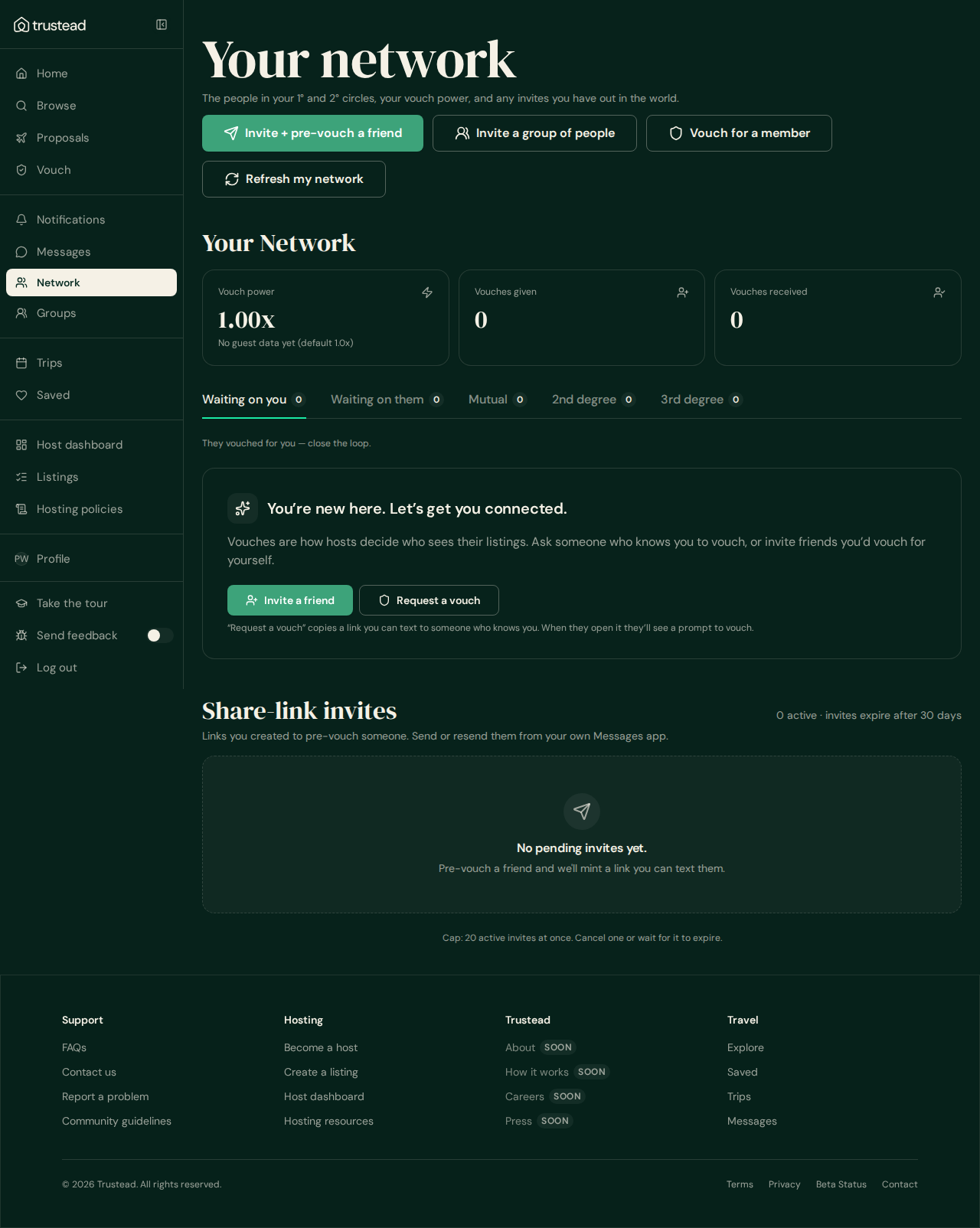
1 · Network page — the welcome card is restored
A new member used to see only zeros and “Nobody here yet”. The original welcome card is back — same words as before, now inside the new tab layout. The five tabs you asked for are untouched.
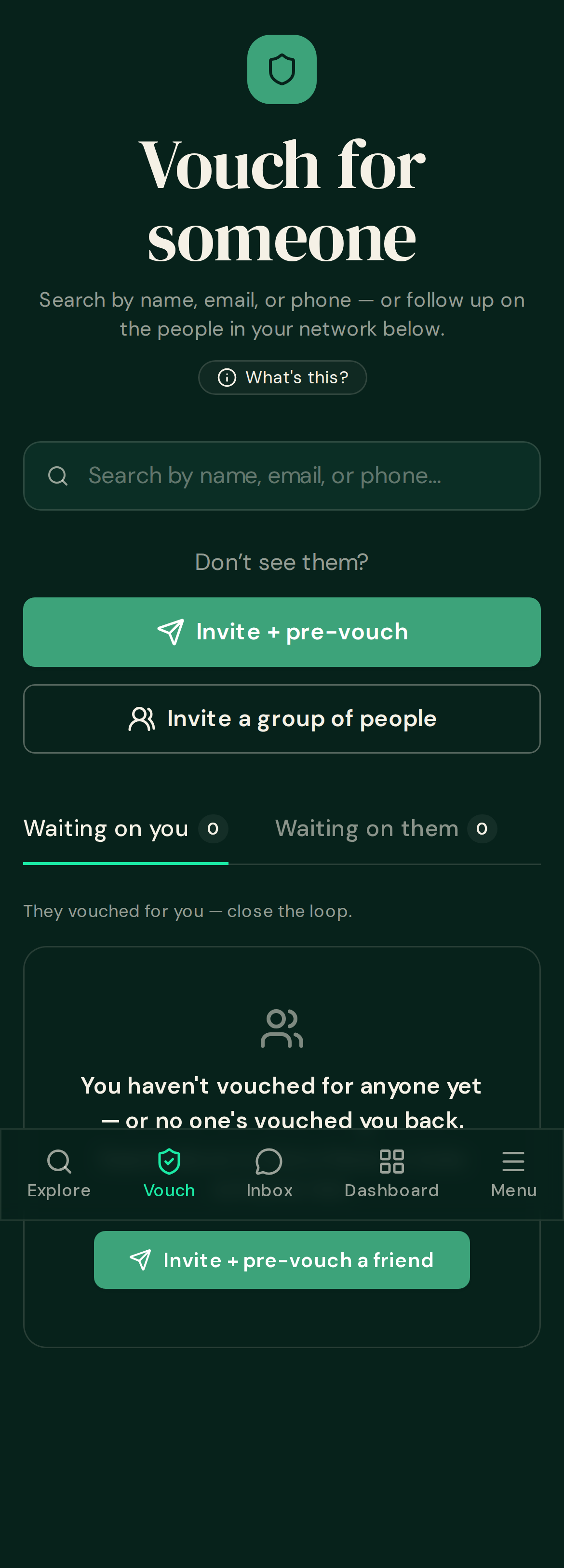
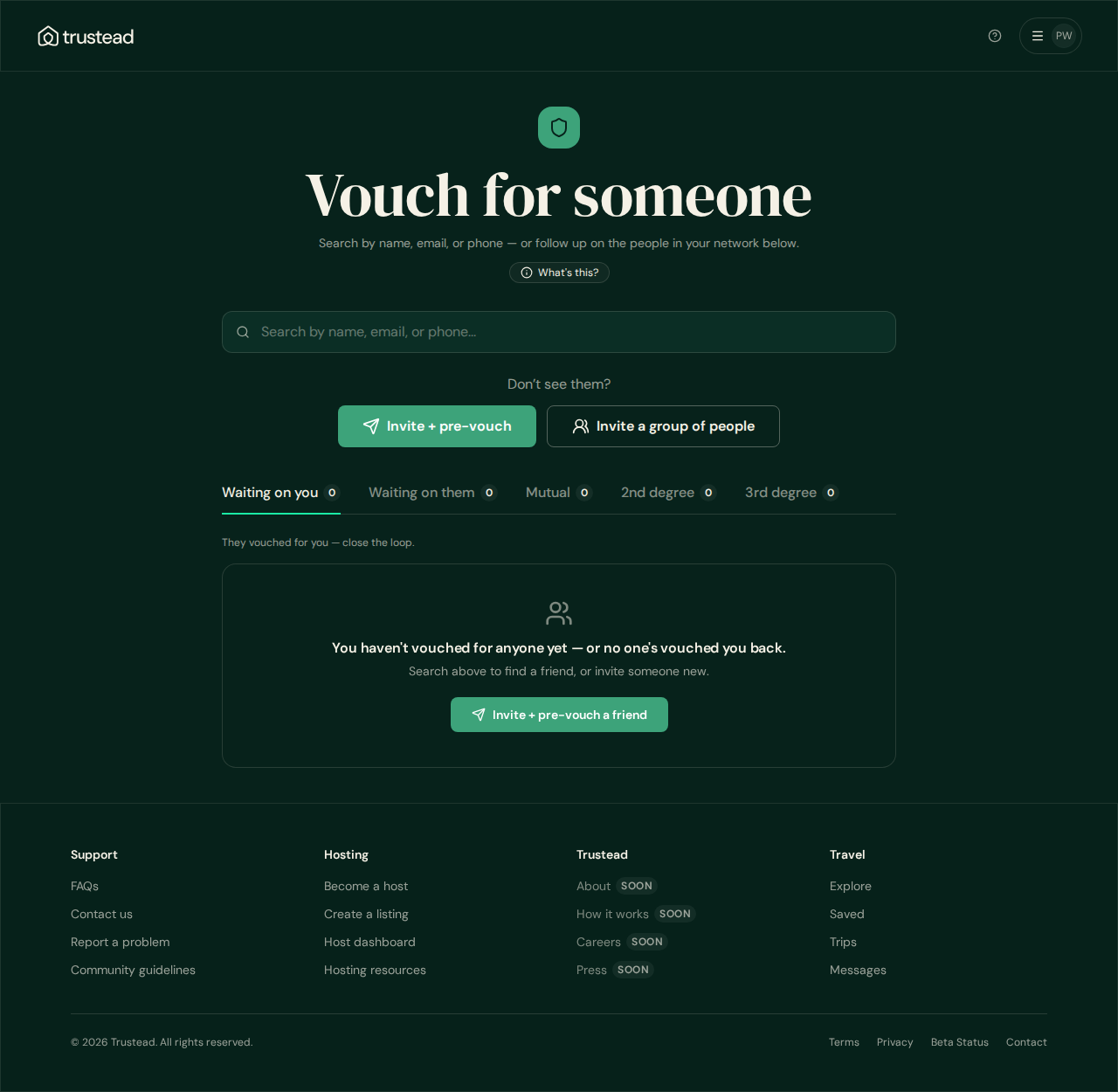
2 · Vouch page — the empty state and its invite button are restored
The explanation card and its “Invite + pre-vouch a friend” button are back for anyone with no vouches yet. The one-line explainer under the open tab (“They vouched for you — close the loop.”) is also back.
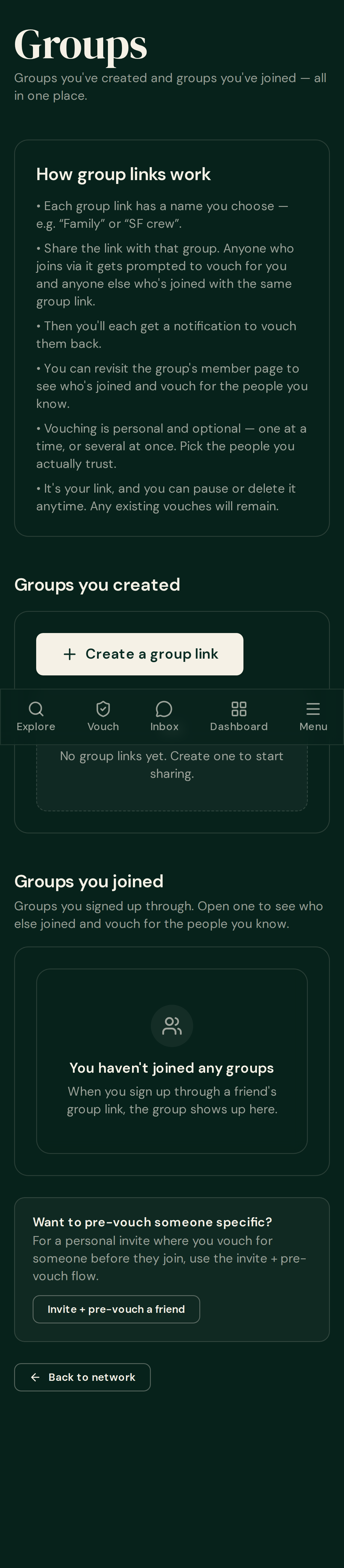
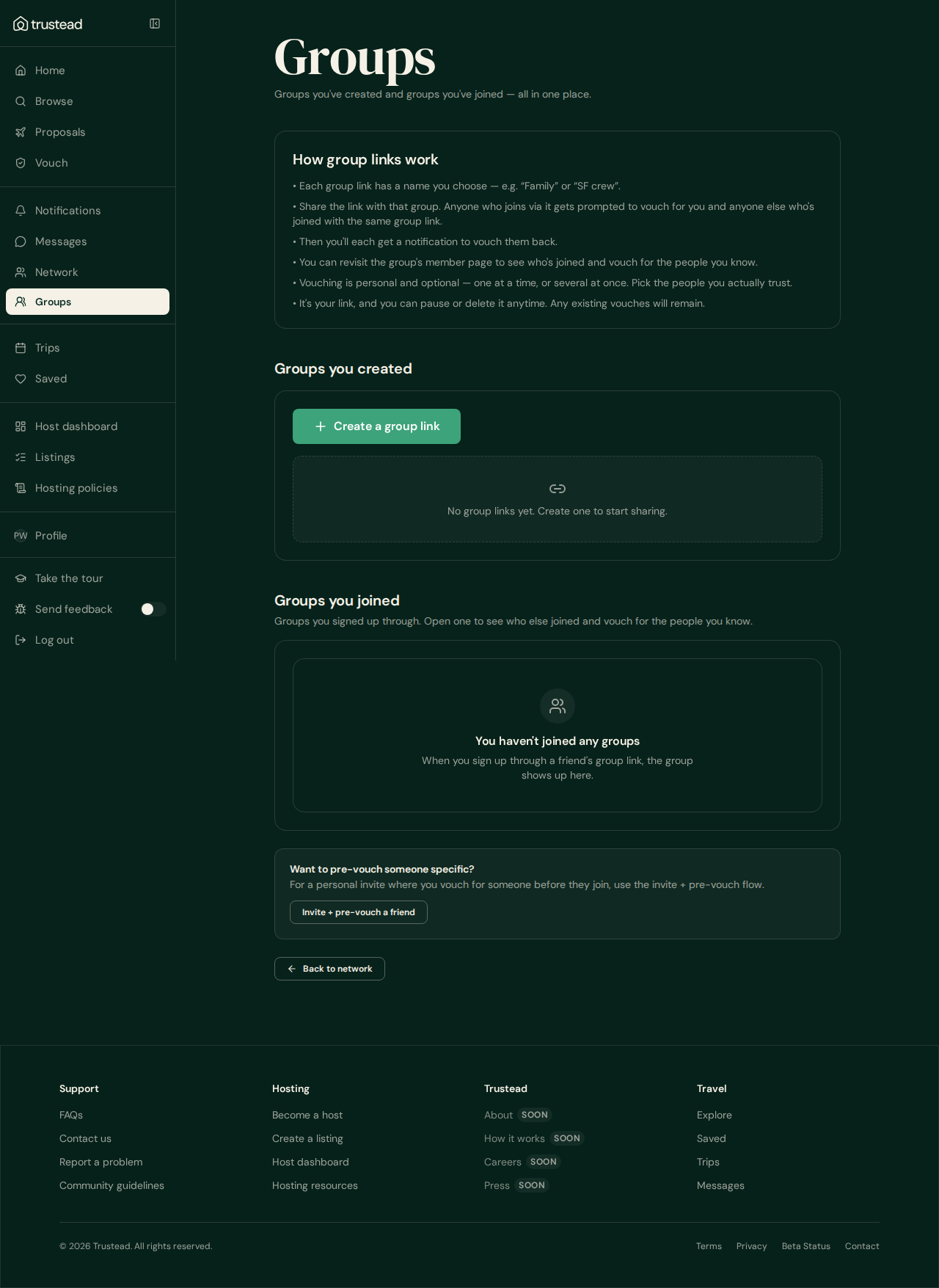
3 · Groups page — the card now tells the truth about vouching for several at once
“Vouching is individual and optional — no mass-vouching. Pick the people you actually trust.”
“Vouching is personal and optional — one at a time, or several at once. Pick the people you actually trust.”
4 · Group joins — told once per join, never twice
Proven on staging with test accounts: joining a second group still notifies you once for that join, and one join can no longer notify you twice even when the app processes it down two paths at the same moment.
The people in these shots are stand-in test accounts, not real members.